iPhone & iPad
The koi, in your pocket.
Koiya lives on your Mac or Windows PC, behind your icons. An iPhone or iPad keeps its wallpaper still, so there the pond comes another way: full screen in your browser and as wallpapers, both free, and with Koiya Full for life, a Lock Screen that moves.
The pond, full screen
The living pond in Safari. Tap the water and the koi come; feed them, or turn on the sound. Added to your Home Screen, it opens like an app and keeps the screen on while it shows.
- Open the pond in Safari on your iPhone or iPad.
- Tap Share, then Add to Home Screen.
- Open Koiya from your Home Screen. It fills the screen, and your koi are there each time you come back.
This is the free pond: up to 6 koi in three single-colour varieties, kept by your browser.
A Lock Screen that moves
Six Live Photos of the pond for your iPhone, a gift with Koiya Full for life. Set one as your Lock Screen and the koi move for a moment each time you wake your iPhone. iPad wallpapers stay still: use one of the wallpapers below.
Already yours? Add them from Koiya’s menu on your Mac, or download them from your account.
- In Koiya on your Mac, choose Add Live Photos to Photos… from its menu, and all six go into Photos. Or download one from your account, open the zip, and drag both files into Photos together.
- Let iCloud Photos bring them to your iPhone, or AirDrop them over.
- On your iPhone, open one in Photos, tap Share, then Use as Wallpaper.
Wallpapers
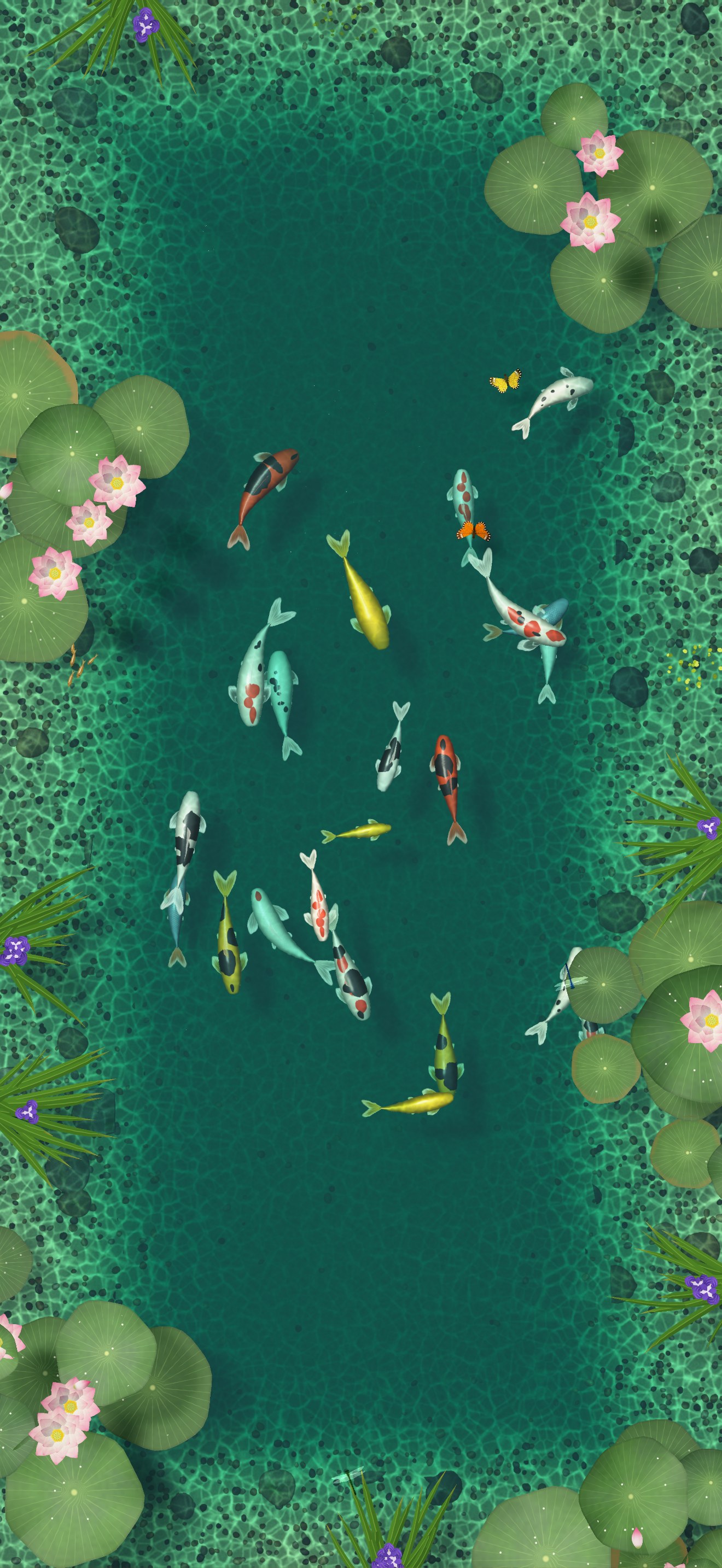
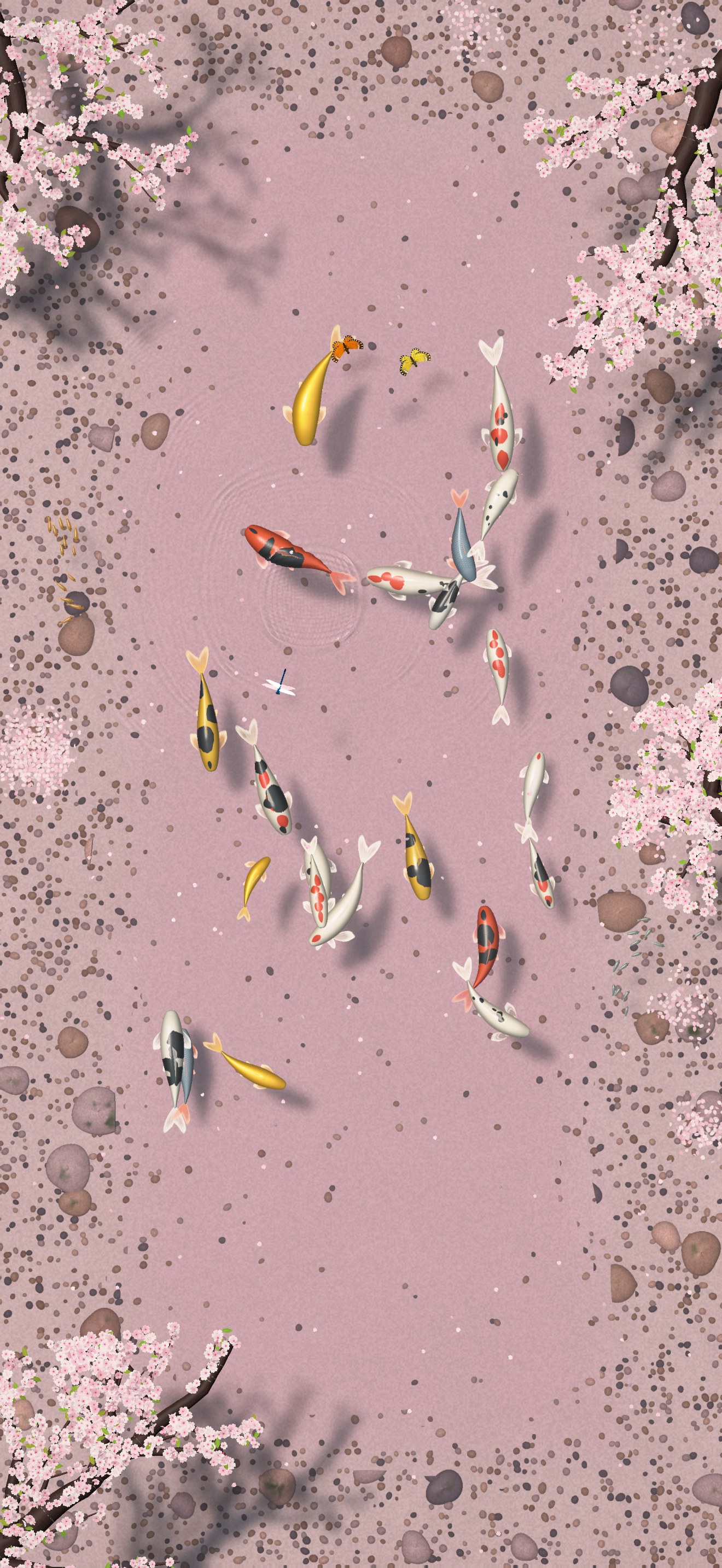
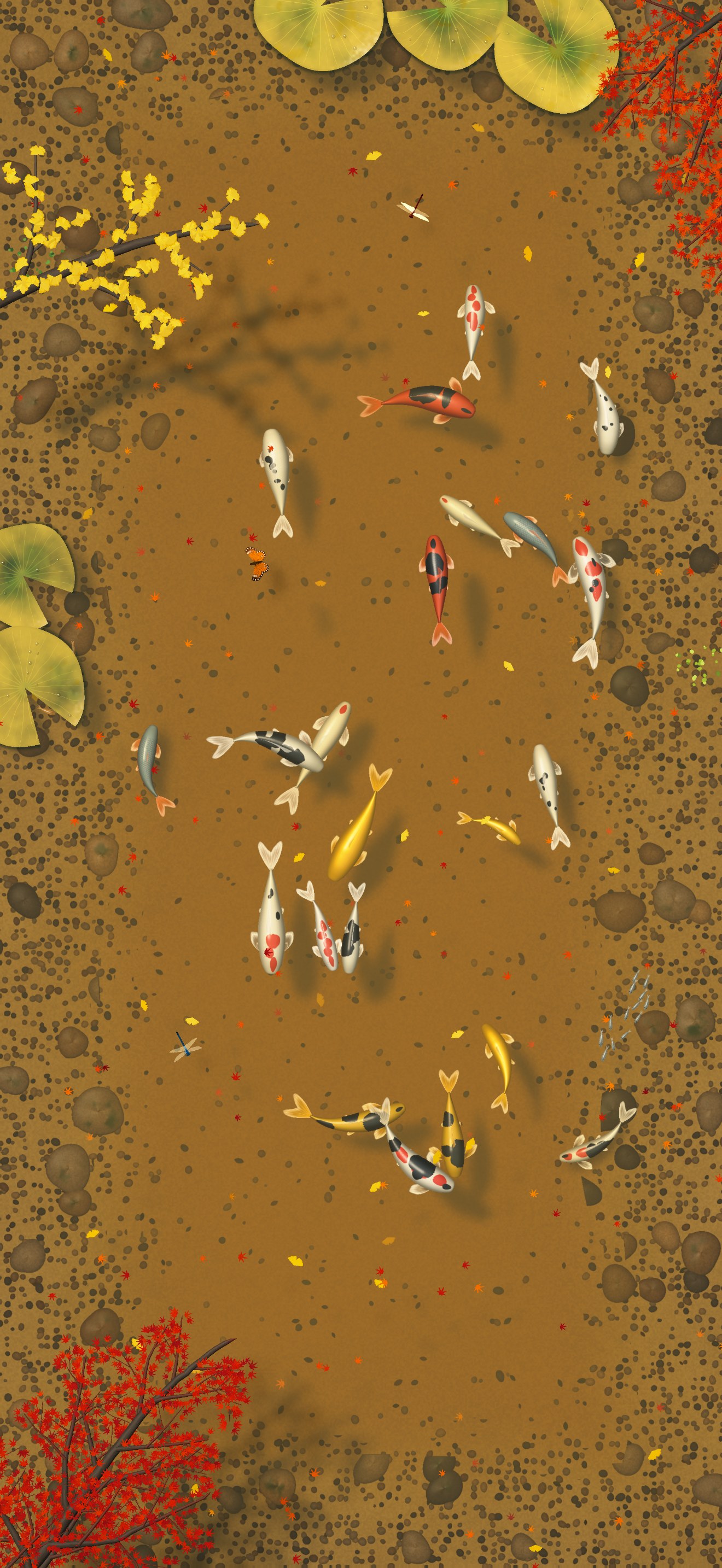
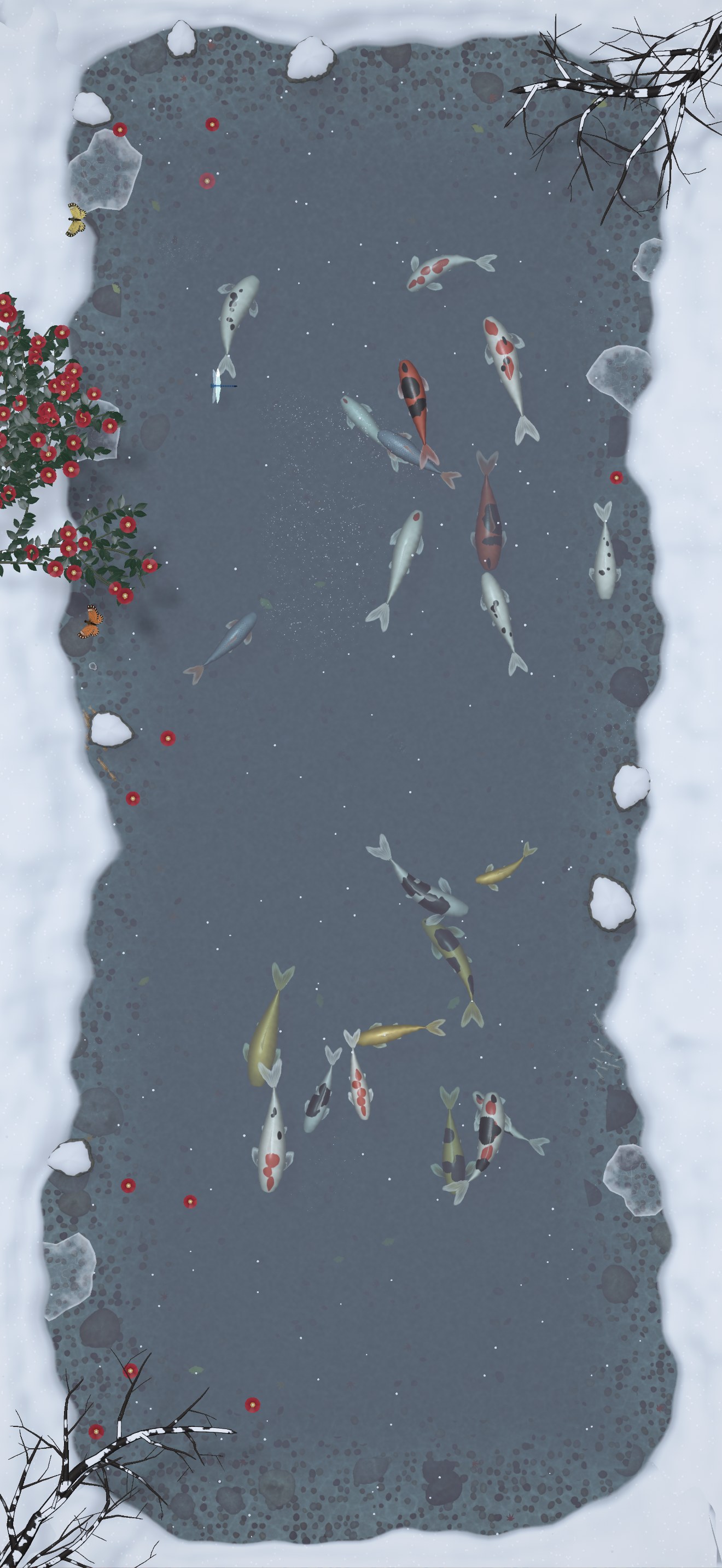
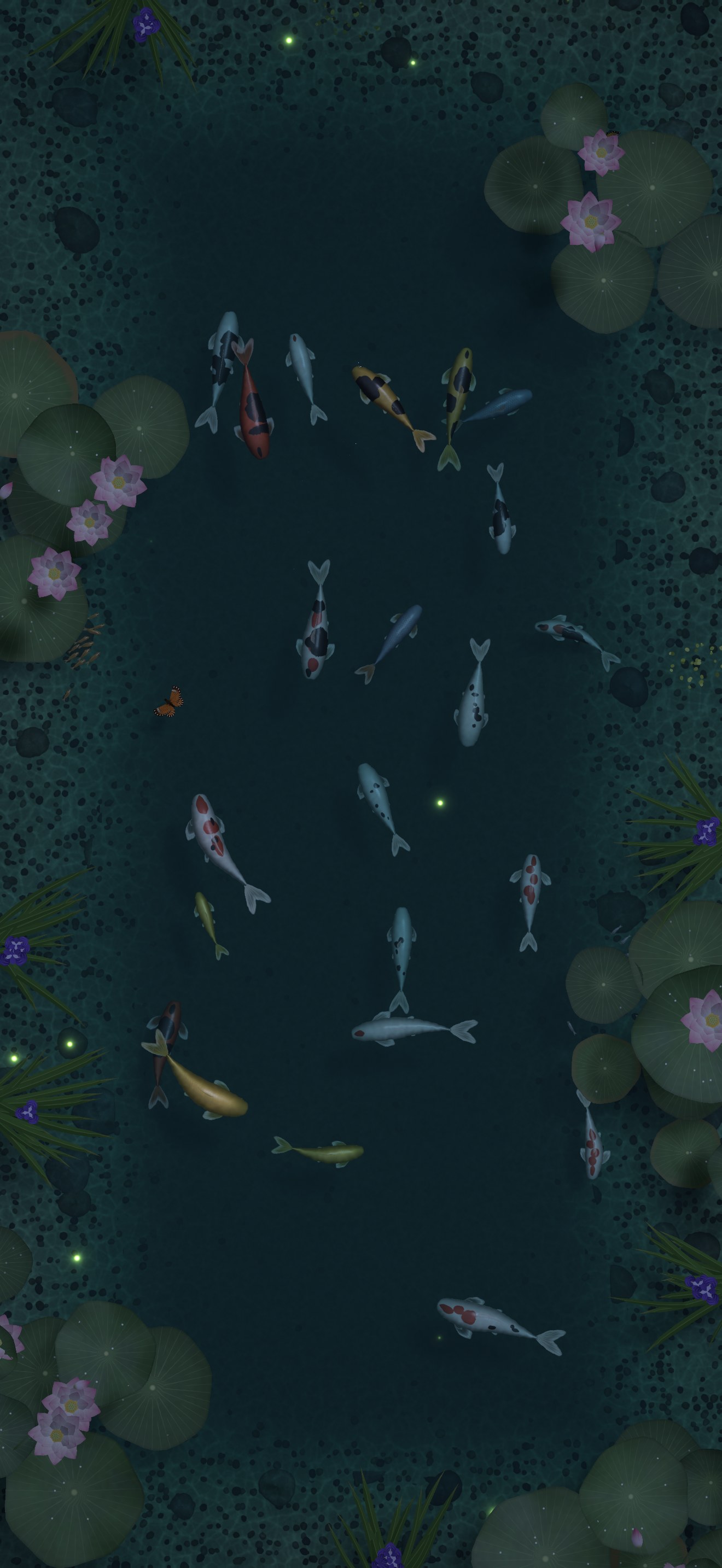
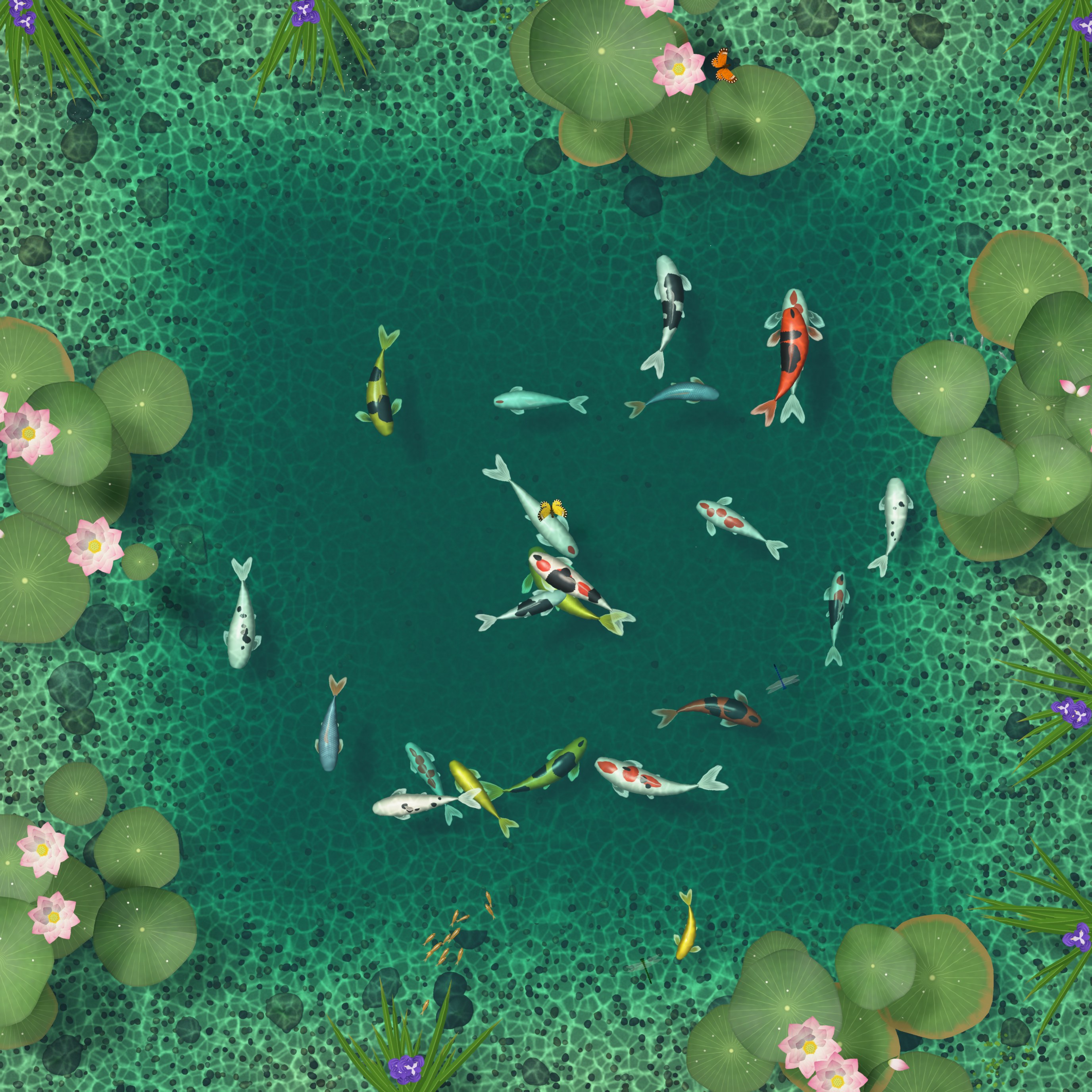
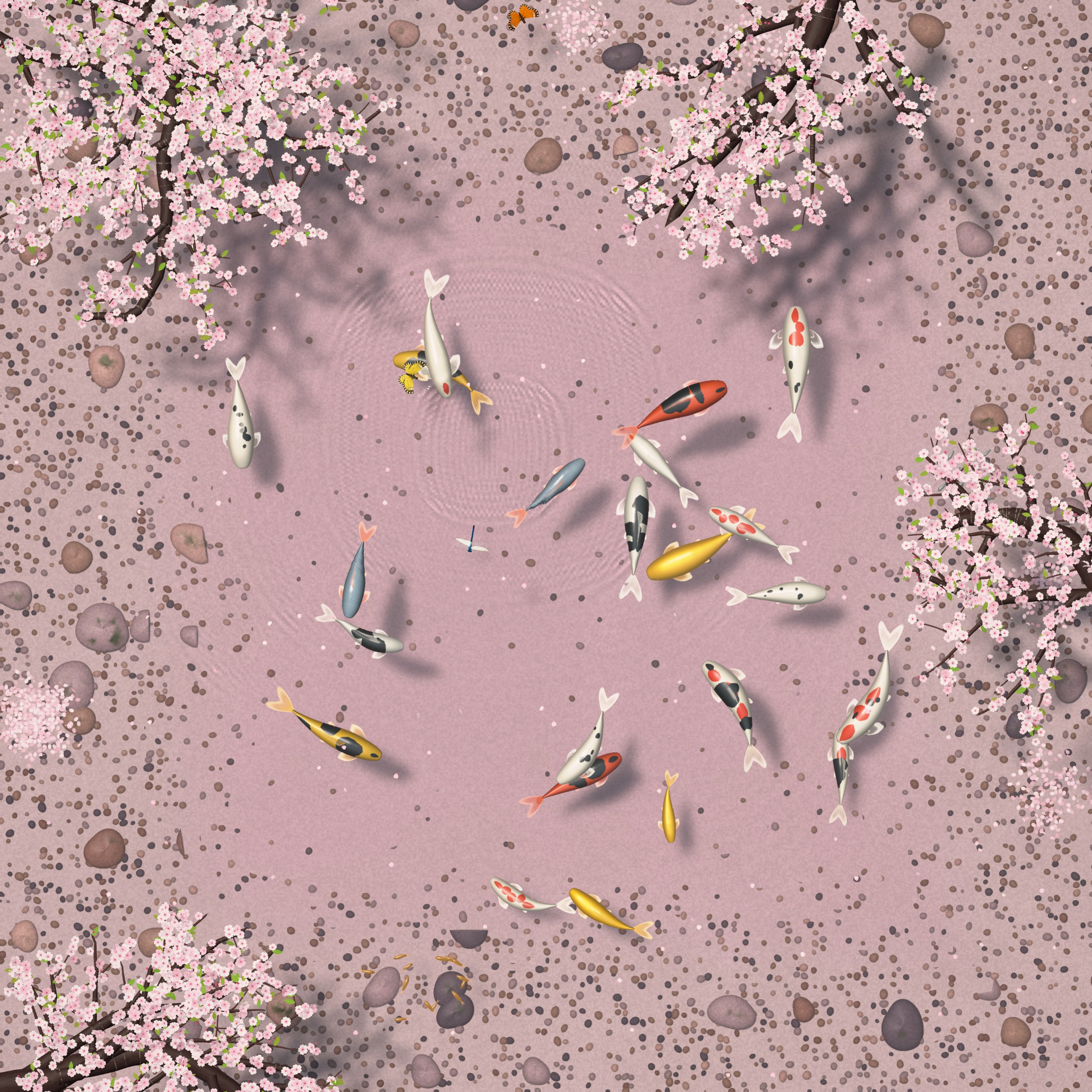
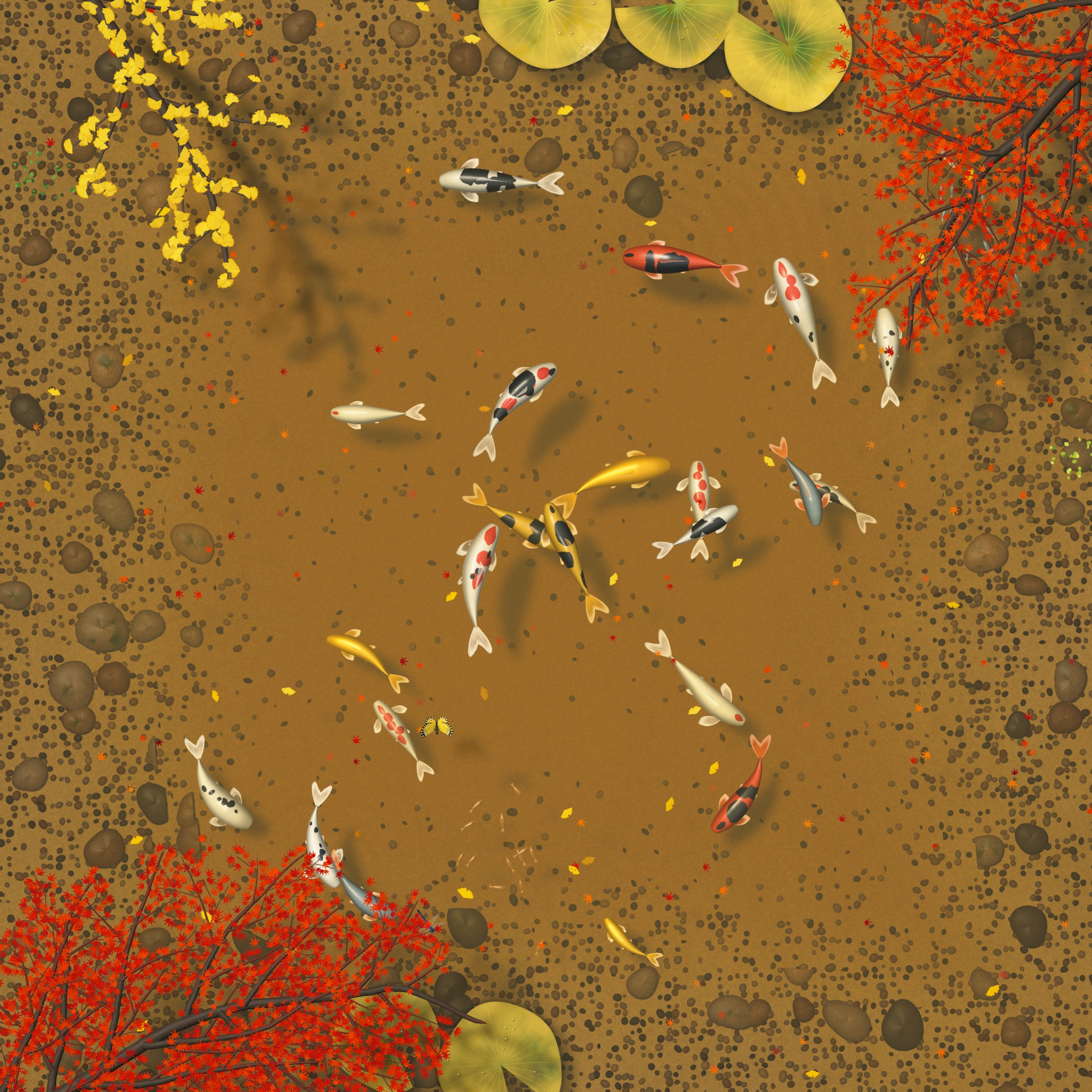
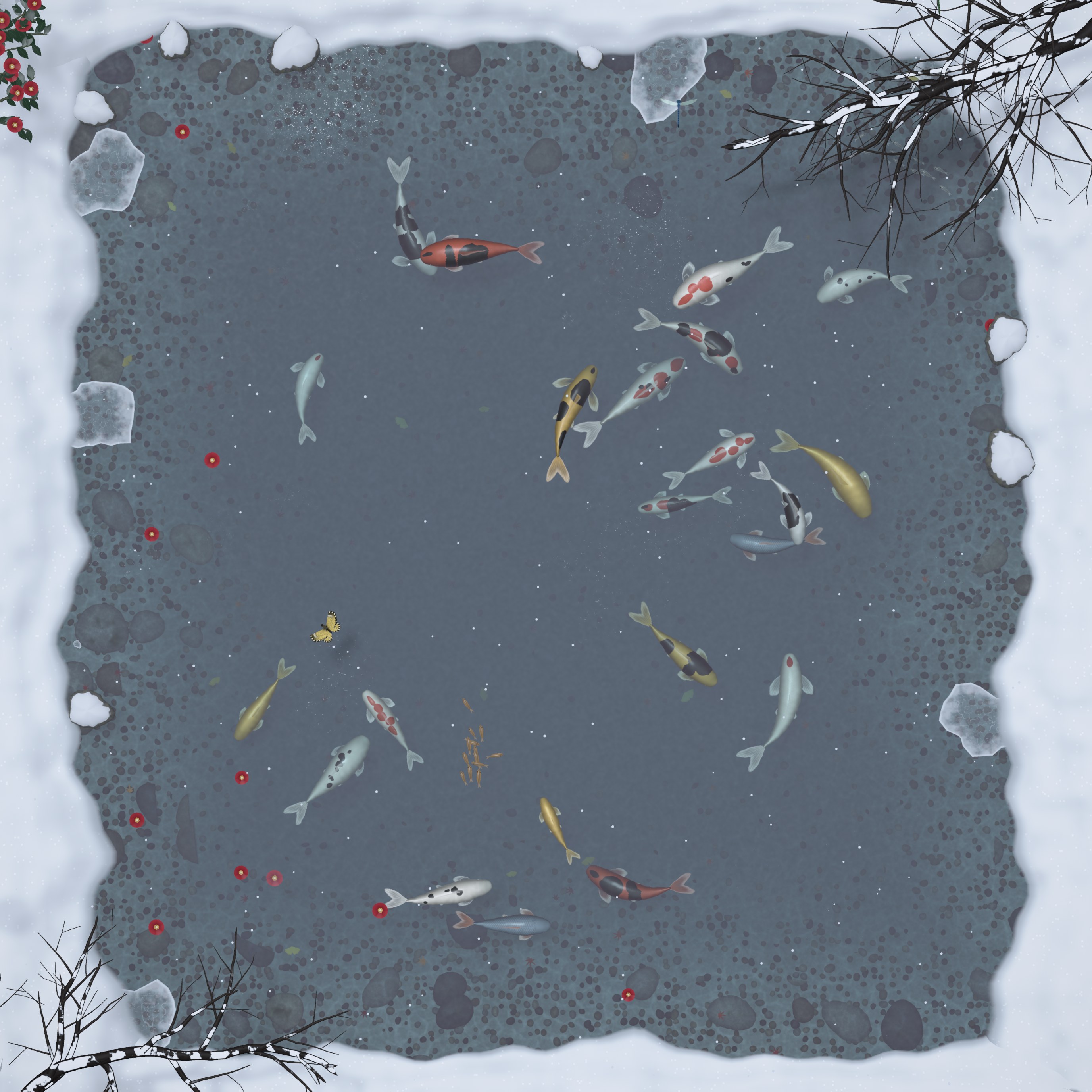
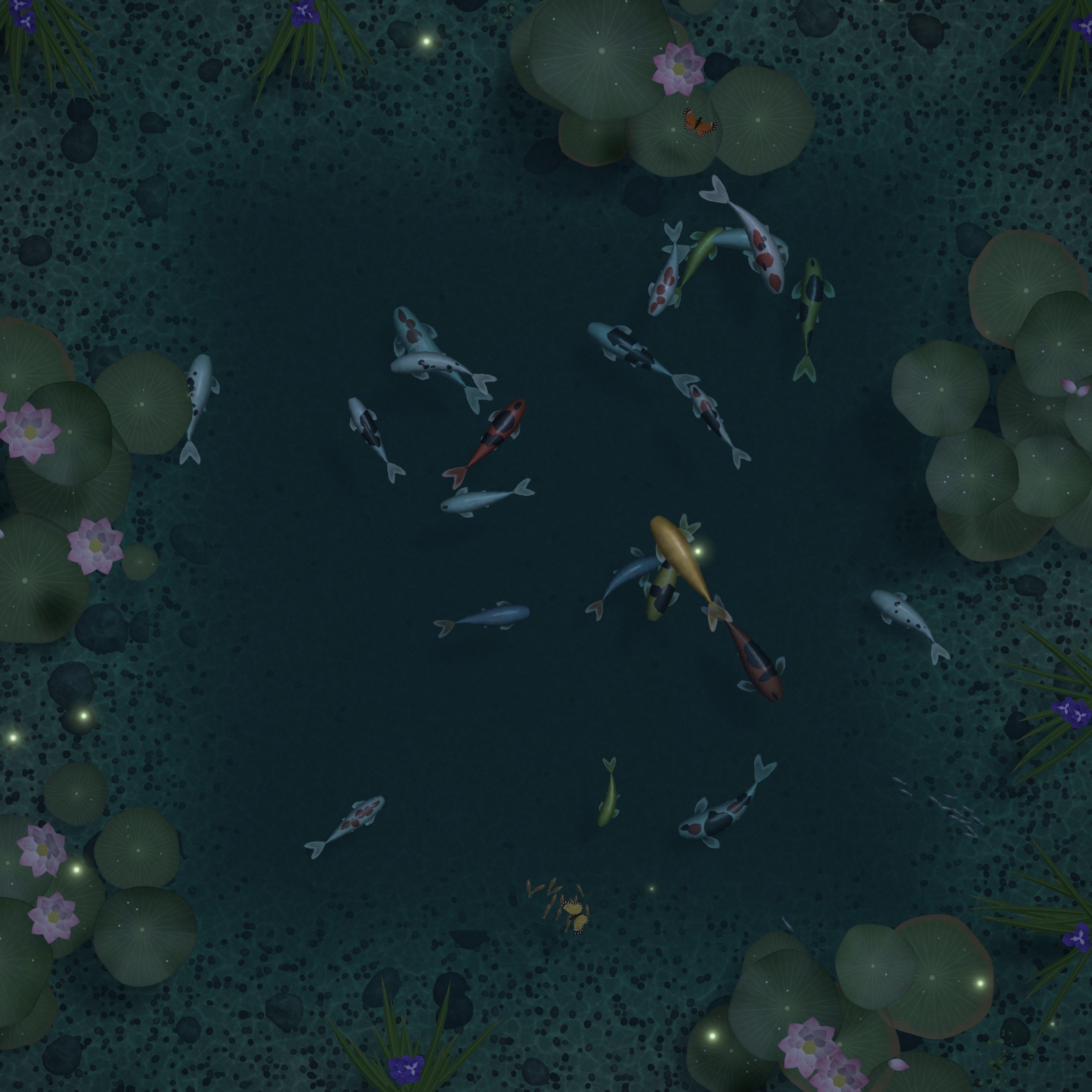
Five ponds for iPhone and five for iPad, drawn by Koiya itself at full resolution. Tap one to open it, then touch and hold it and choose Save to Photos. Pictured: Koiya Full.
iPhone
iPad

The living pond is on your desktop. On a Mac or Windows PC, Koiya swims behind your icons and comes when you click. Download free